Excalidraw Export to PDF
Adds Export to PDF to excalidraw.com: multi-page, vector PDFs with searchable text, built locally in the browser.
Who it helps
Engineers attaching diagrams to design docs and tickets, teachers and students printing whiteboards, consultants sending diagrams as PDF.
The problem it solves
Excalidraw has no PDF export. The workaround is an SVG uploaded to an unknown converter, and large or wide canvases come out cropped or unreadable.
What it does
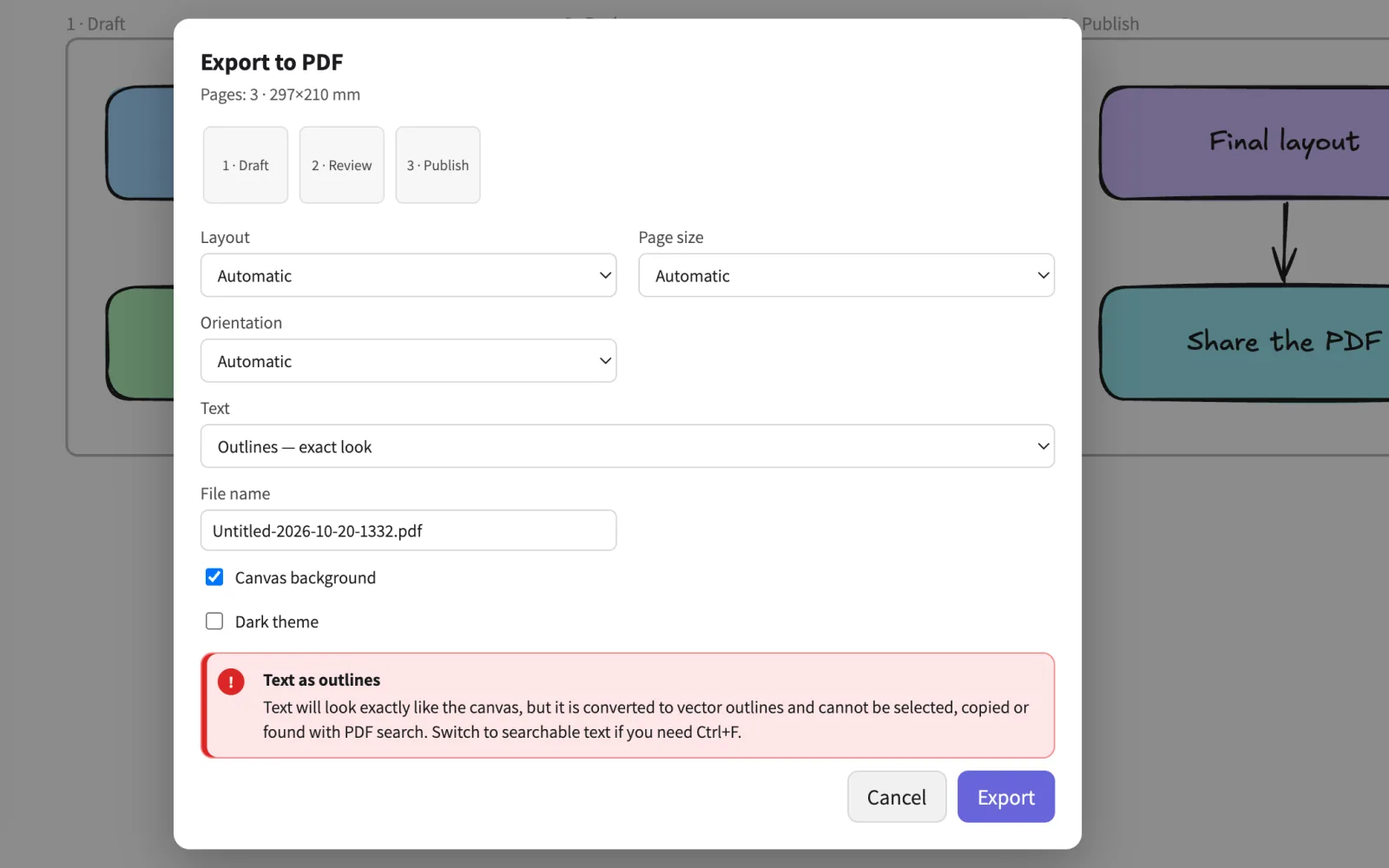
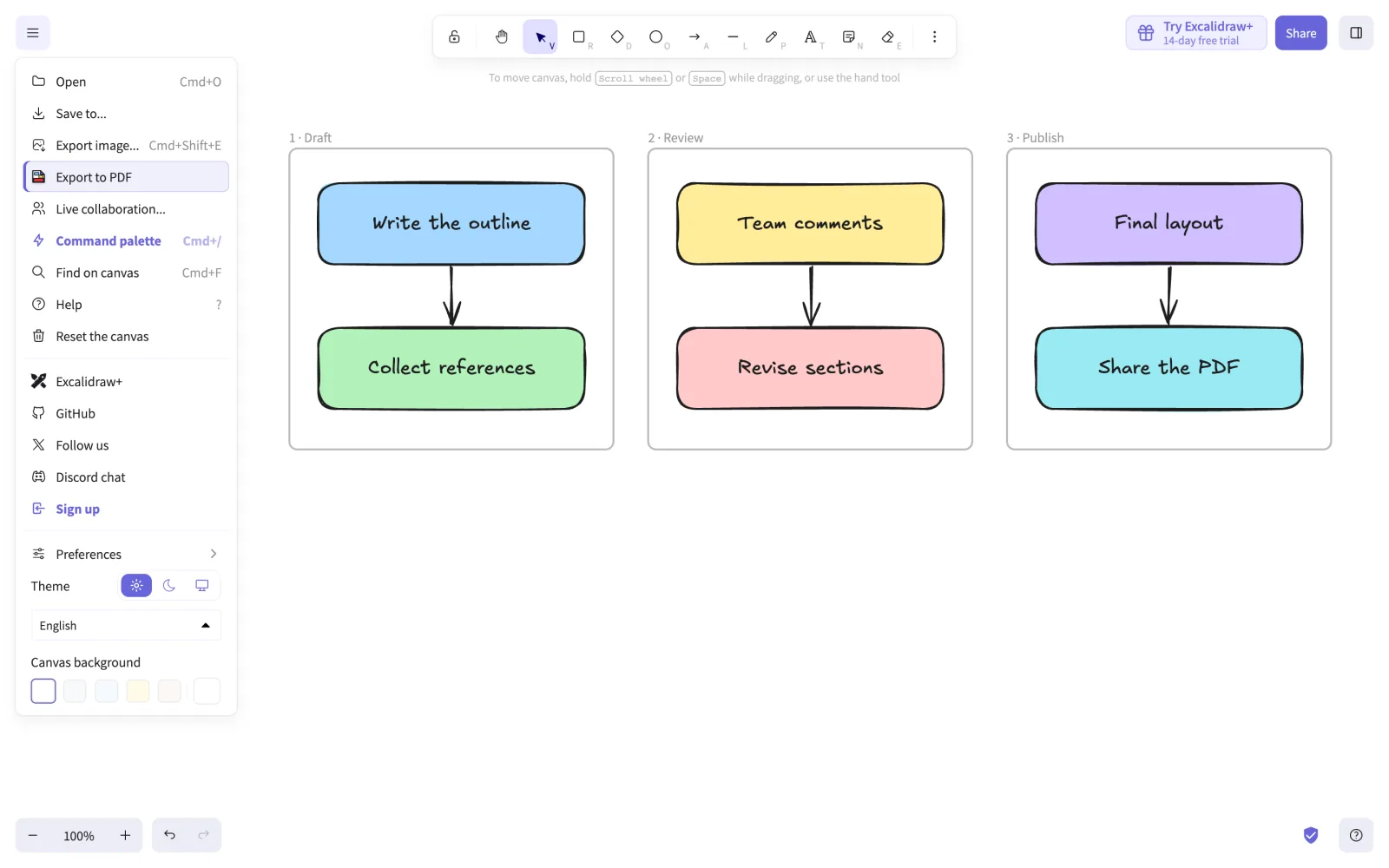
- An Export to PDF item inside Excalidraw’s own canvas menu, with a preview of pages, file name, background and dark theme
- Smart page breaks cut long diagrams through empty gaps, so boxes and arrows stay in one piece
- Frames become pages in order; a very wide canvas can go out as one oversized page at 1:1
- Searchable text layer or exact-look outlines; A4, A3, Letter or Legal, portrait or landscape
- Vector output, no watermark, no account; the drawing never leaves the browser
Unofficial; not affiliated with Excalidraw.
More of the product
Links and support
Originally published by My Little Indie Studio.
Product built by Oleg.