AI dubbing for courses and video
Most video on the web is only subtitled, not dubbed — and doing it properly takes caption extraction, translation, speech synthesis and sync, at scales from one YouTube video to an entire course library.
The problem
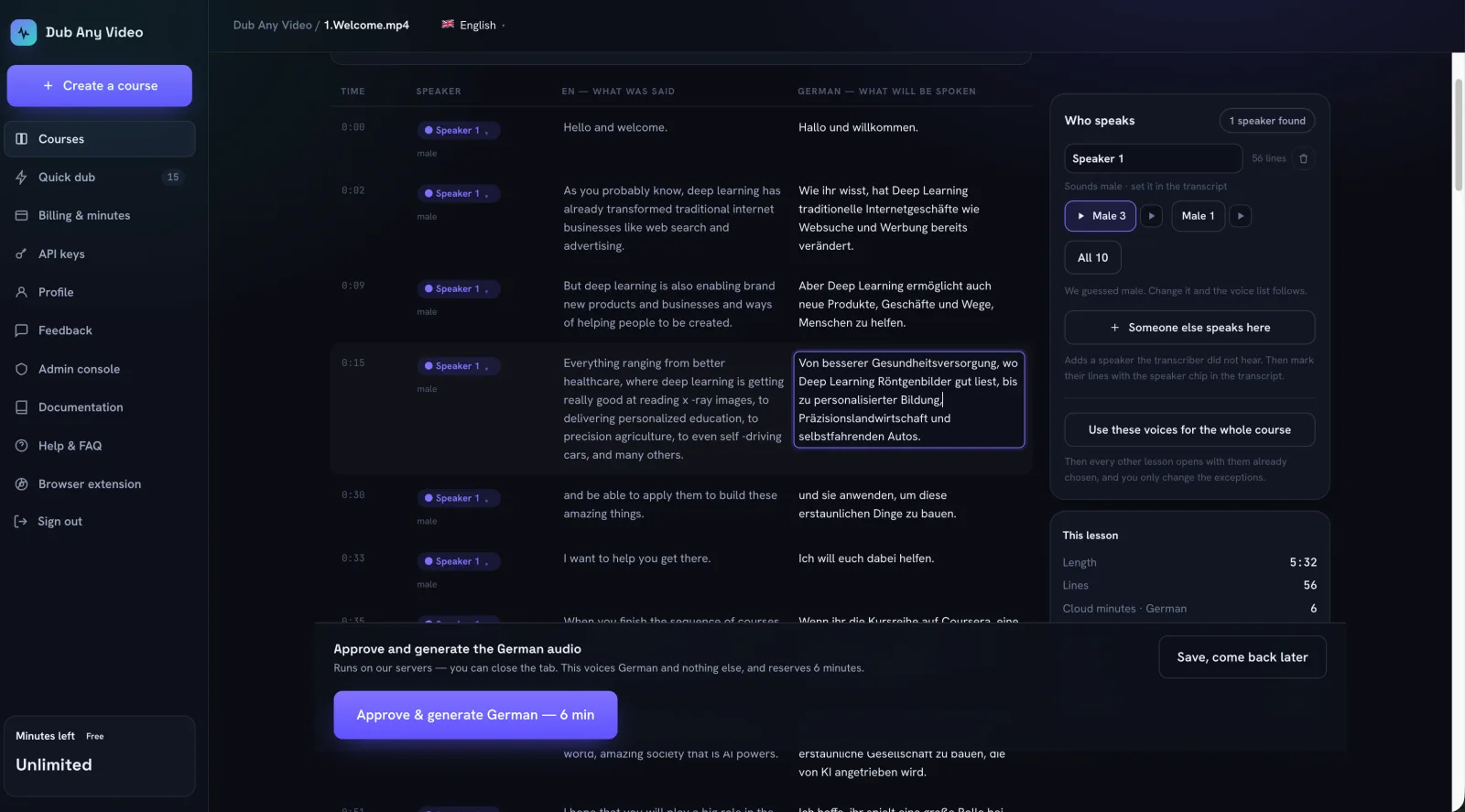
Subtitles help, but they make viewers read instead of listen — and most video platforms offer no dubbing at all. For a single YouTube video that is an inconvenience; for a course producer with forty lessons it is a production problem: every video needs the same glossary, the same speakers mapped to the same voices, and a review step before anything is generated.
What was built
One dubbing engine family, adapted to each surface it meets:
- Site extensions for Udemy, Coursera and YouTube render dubbing controls inside each platform's own player, and a universal extension adds a floating Dub control to captioned videos on other sites.
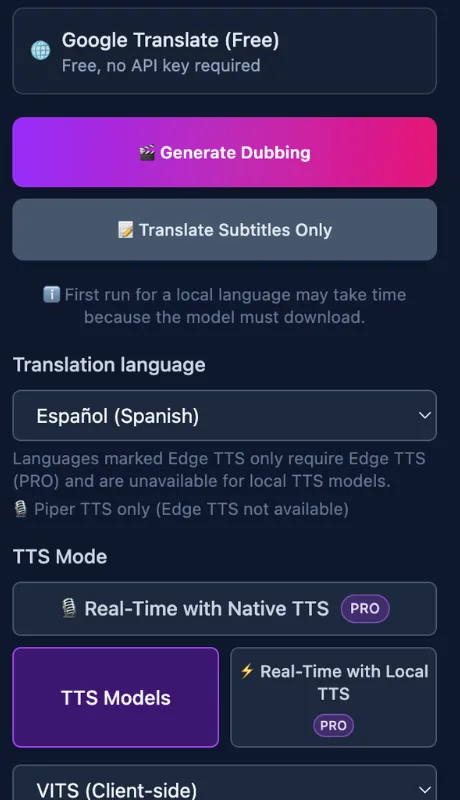
- A free path needs no API key — on-device Piper speech or browser voices with Google Translate — while paid tiers add cloud voices, real-time dubbing and a multi-speaker mode where each detected speaker gets a distinct voice.
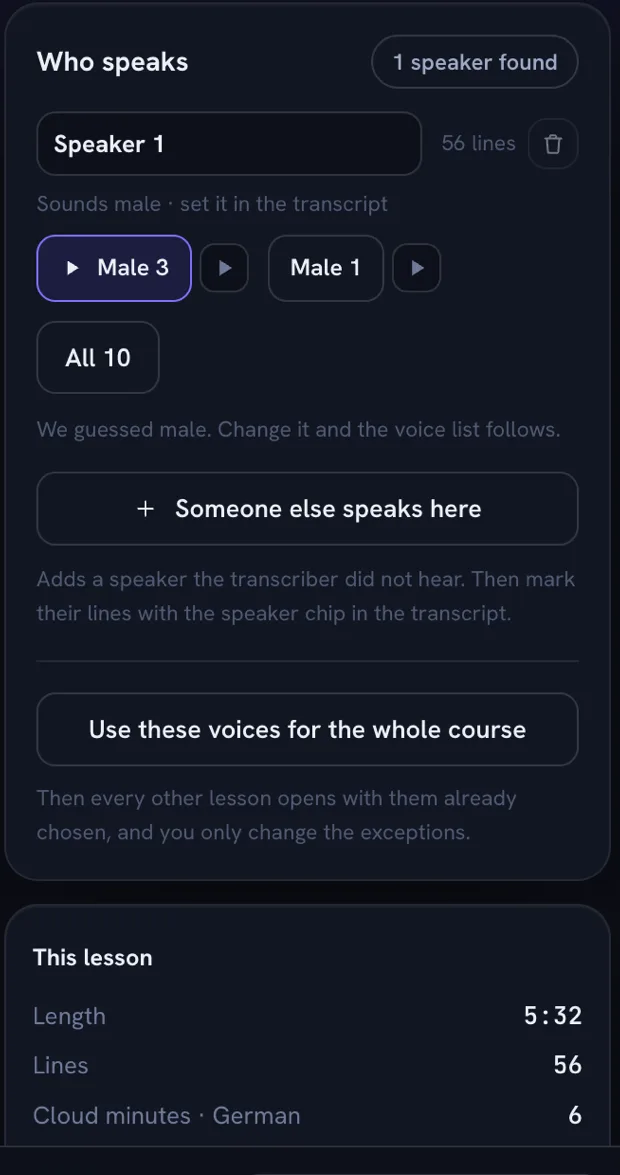
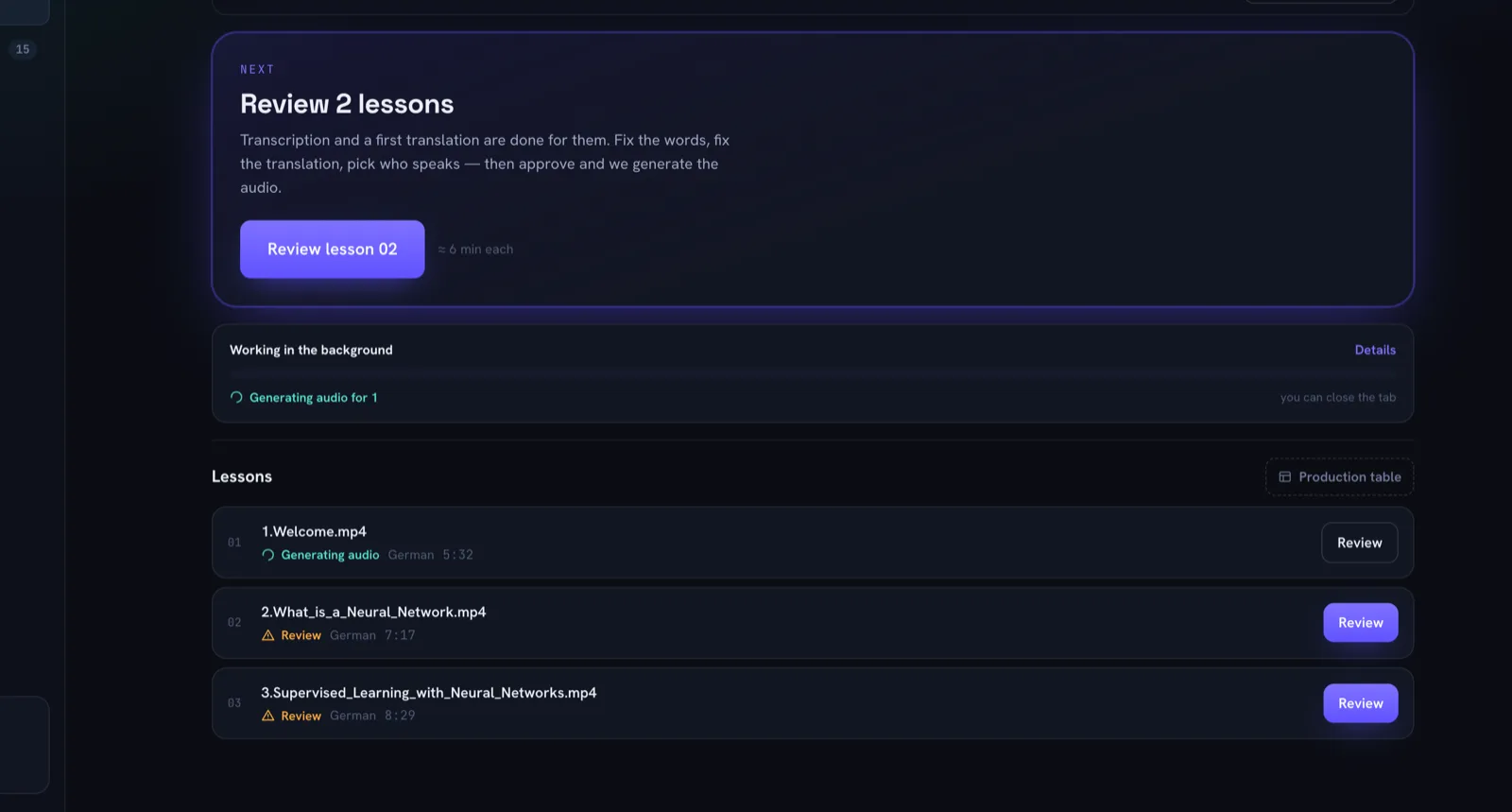
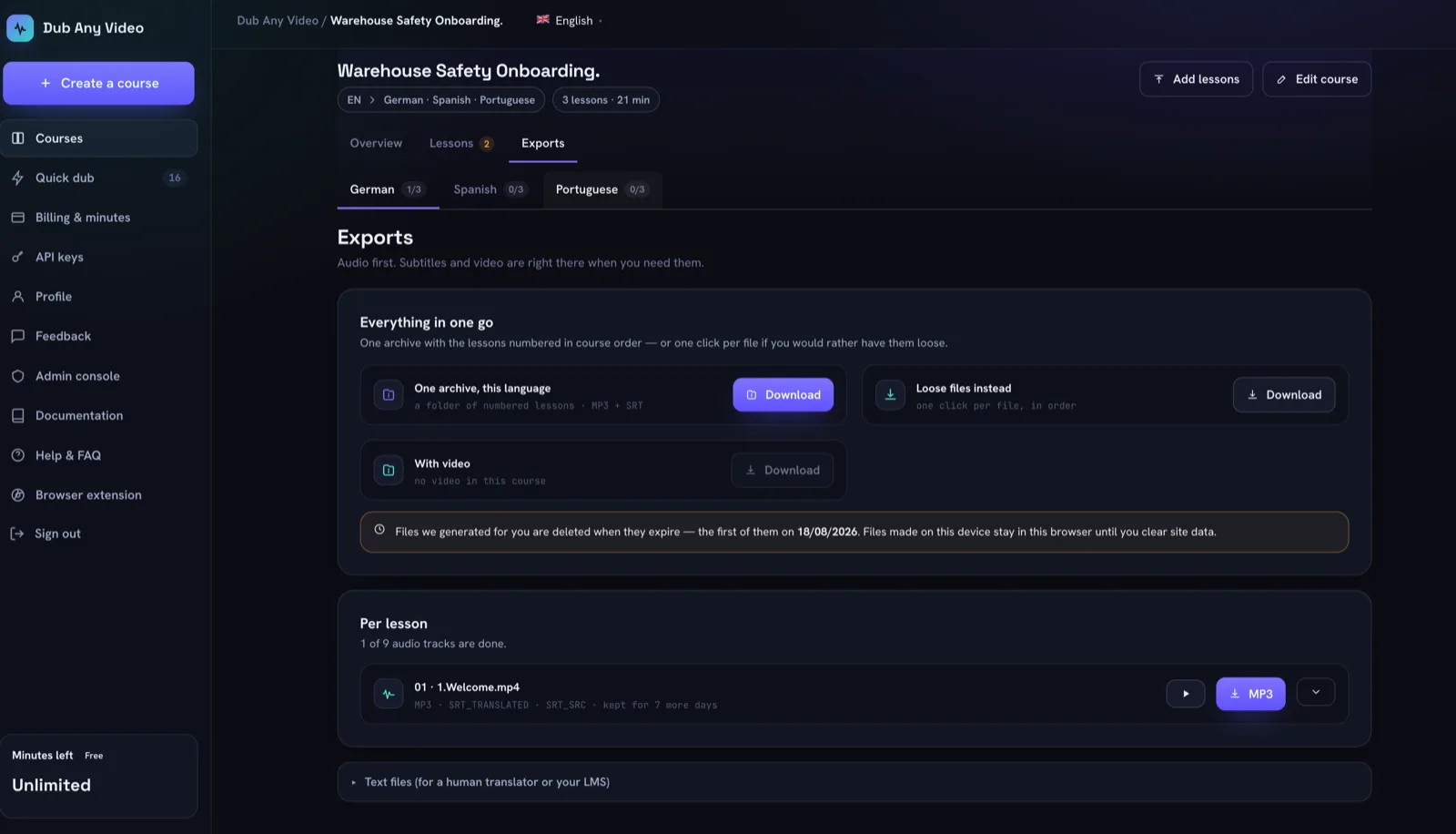
- Dub Any Video (dubanyvideo.com) covers the heavy end: a course workspace with per-lesson transcripts, speaker and voice assignment, an explicit human approval step, per-language generation status and exports to MP3/WAV, SRT/VTT and course archives.
- A companion extension detects MP4, WebM and HLS streams, saves HLS as a single MP4 locally, or opens Dub Any Video’s quick-dub flow with the source video URL prefilled.
Design decisions
- Generated audio is cached locally, so replaying a dubbed lecture costs nothing.
- The dubbing extensions offer a free path without an API key. Dub Any Video’s paid cloud processing uses minute-based billing, with approval before generation and reserved minutes returned for failed jobs.
- Honest capability boundary: dubbing needs captions or a transcription step; DRM-protected video and live streams are excluded, and Dub Any Video deliberately offers no lip sync or voice cloning.
More of the product
Evidence
- 4,000 users · 4.7/5 from 89 ratings — Video Translator for Udemy
- 10,000 users · 4.7/5 from 30 ratings — Video Translator for Coursera
- 1,000 users · 4.3/5 from 15 ratings — YouTube AI Dubber
Chrome Web Store numbers, checked 9 Oct 2026. The universal dubber and the downloader extension are also listed; they have fewer than ten ratings, so no rating summary is shown. Store user counts are per listing and are not unique people, so they are never added together.
Dub Any Video’s own site states “Premium voices in 31 languages” (dubanyvideo.com/pricing, checked 9 Oct 2026).
Status and limits
All six pieces are live and maintained. Dubbing depends on captions or transcription being available; DRM-protected video is out of scope by design.
Products in this family
- Dub Any Video — A course-localization workspace: translate, review and dub entire video courses, not just single clips.
- Video Translator for Udemy — Dubs Udemy lectures into 50+ languages with AI voice, played inside the course player.
- Video Translator for Coursera — Dubs Coursera lectures into 50+ languages with AI voice inside the course player.
- YouTube AI Dubber — Dubs YouTube videos into 50+ languages with AI voice, inside the YouTube player.
- Universal AI Dubber — Adds a “Dub” control to captioned videos on any supported site and plays a translated voice track over them.
- Video Downloader & Translator — Detects MP4, WebM and HLS streams on a page, saves them — or sends them to Dub Any Video for dubbing.
- Audience
- Learners and viewers blocked by video language, and eLearning teams localizing course libraries
- Stack
- MV3 Chrome extensions; Rails + Inertia.js/React web app; FastAPI dubbing pipeline (ASR, speaker diarization, TTS); ffmpeg.wasm in-browser remux
Browser extensions and web applications are both studio services — see the service