
Talking Photos
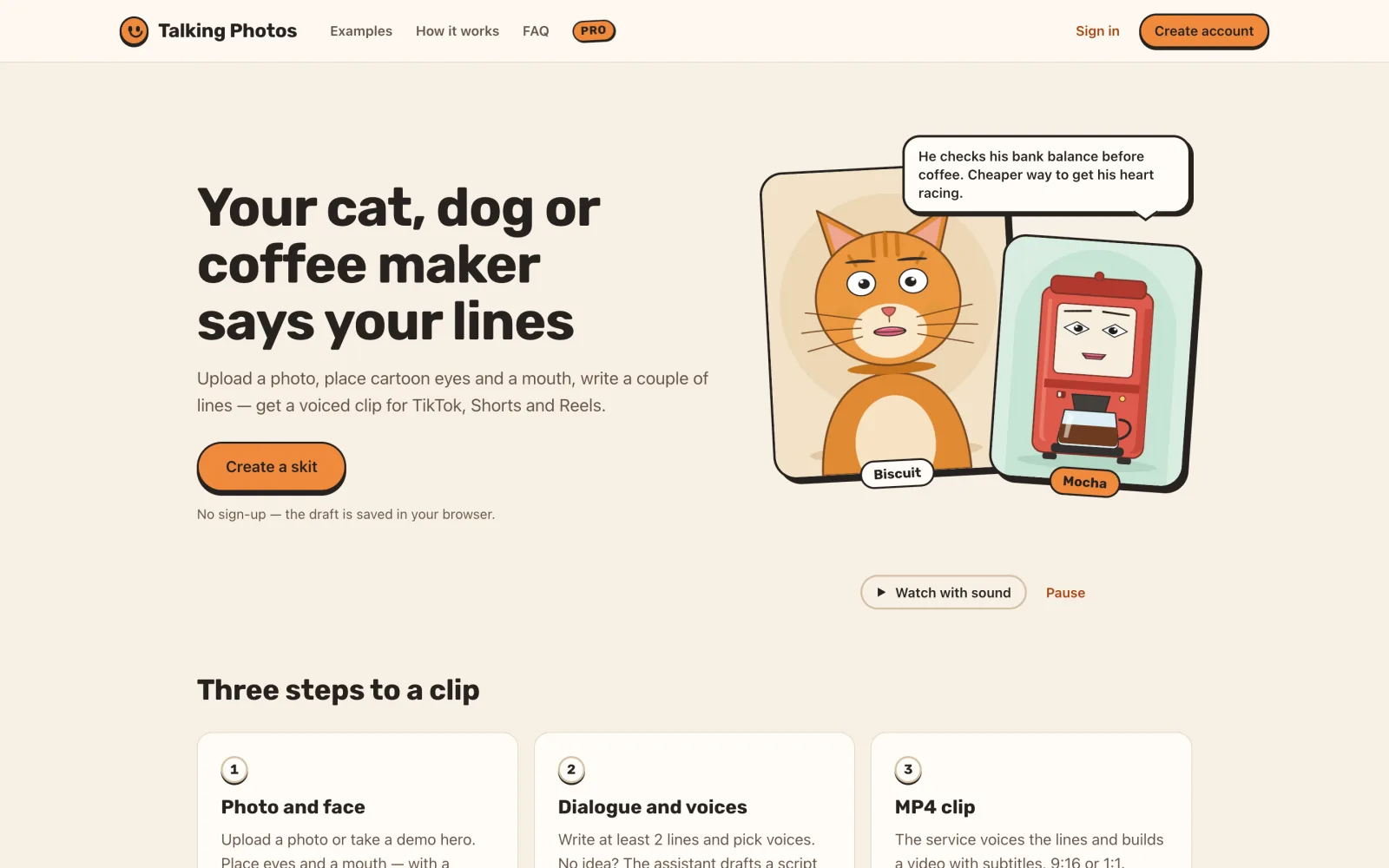
Turns a photo of a pet, person or object into a short voiced, lip-synced video for TikTok, Shorts and Reels.
Who it helps
People and creators who make short, funny vertical videos starring their pets, friends or everyday objects.
The problem it solves
A talking-pet or talking-object clip usually takes animation skills, a voice recording and a video editor. Talking Photos does it in one browser flow: photo, face, dialogue, voices, MP4.
What it does
- Seven-step editor — characters, dialogue, voices, layout, montage, preview, download — that guests can start without an account
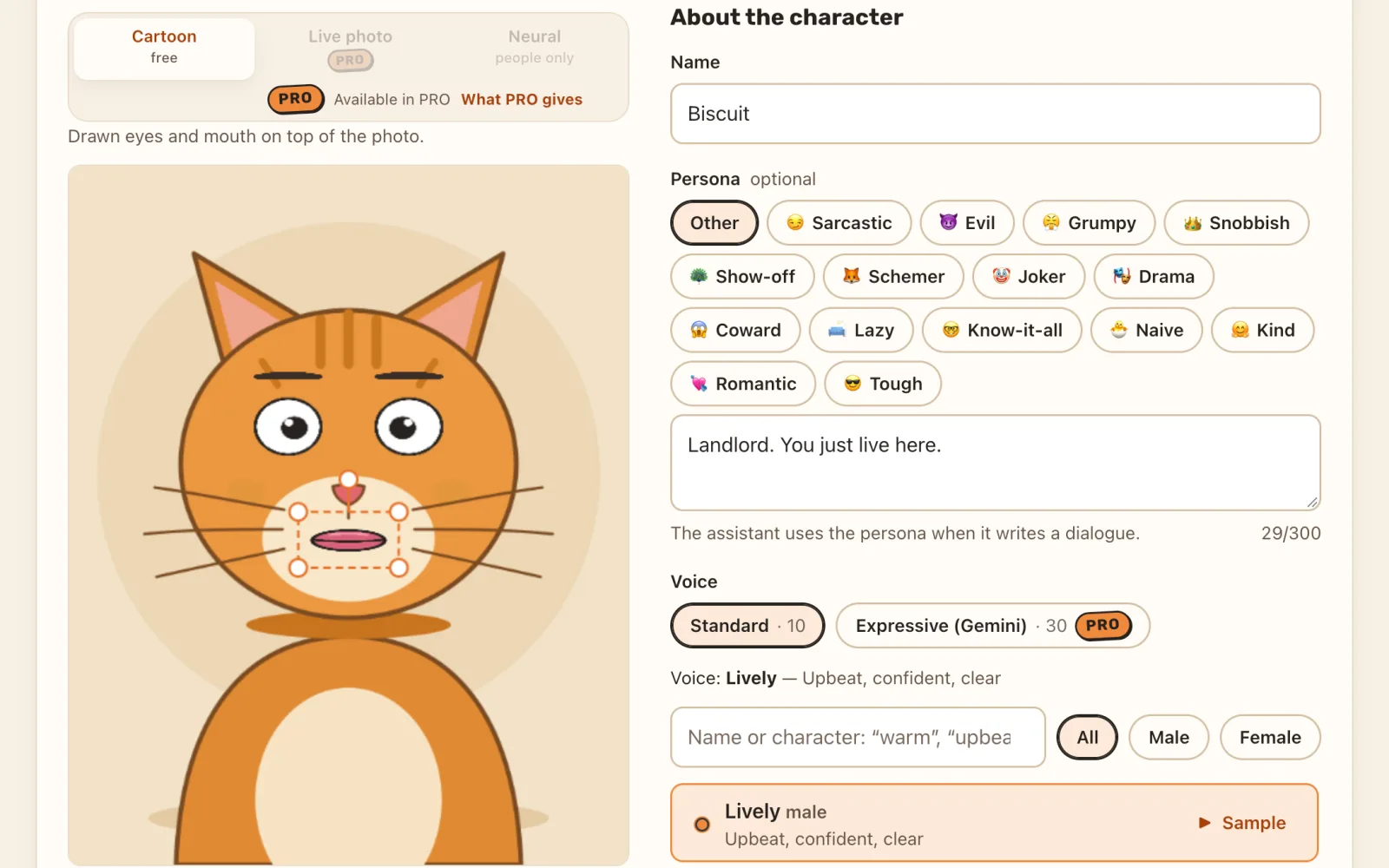
- Free cartoon eyes and mouth on any photo; Live photo and Neural modes (PRO) animate the real photo with face models that run in the browser
- 10 free voices, plus 30 expressive Gemini voices with per-line delivery such as joyful, whisper or sarcastic (PRO)
- An AI assistant that writes the dialogue, and “Arrange with AI” for the montage
- 1080p or 720p MP4 in 9:16 or 1:1 with burned-in captions
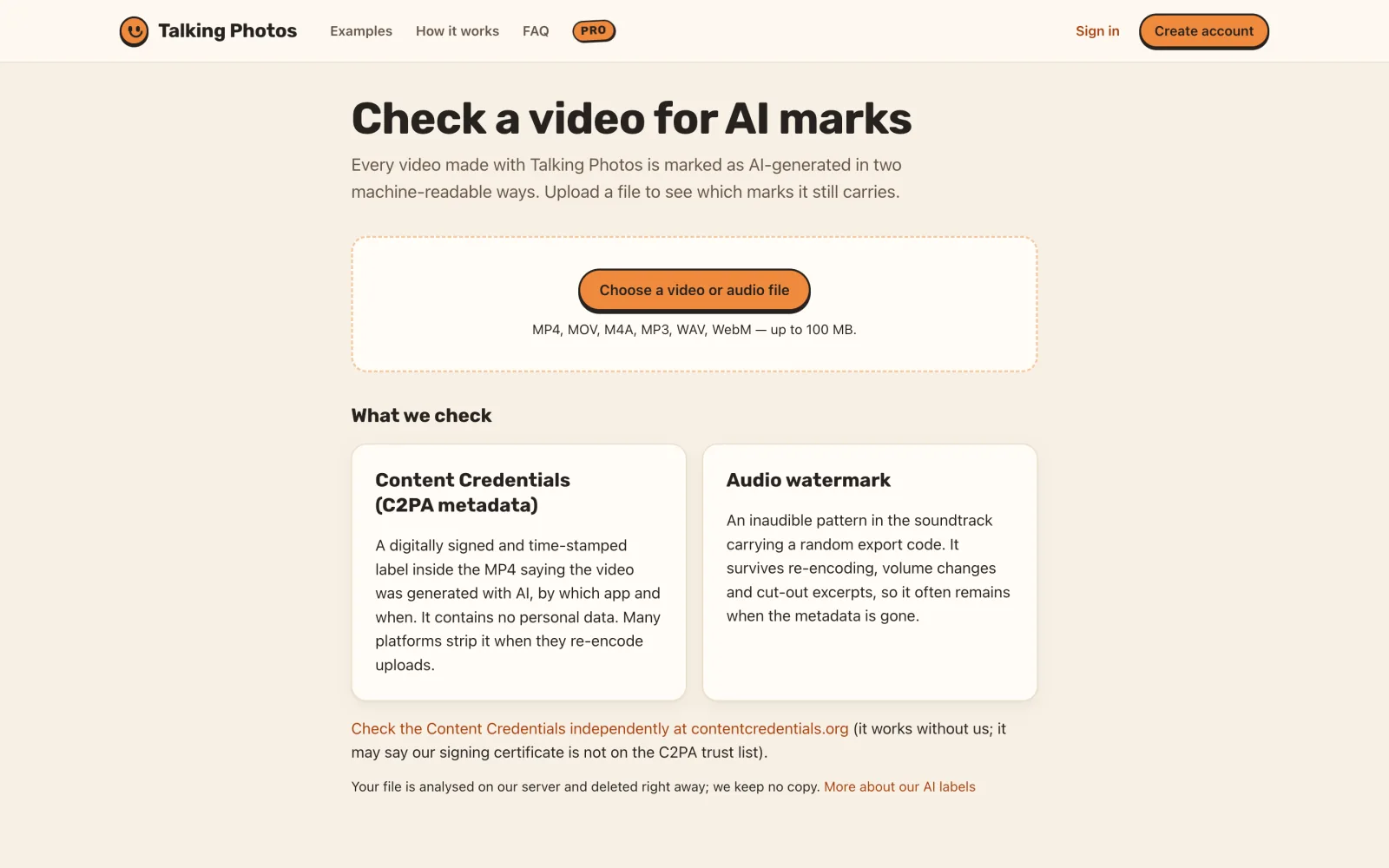
- Every export is marked as AI: a visible badge, signed C2PA Content Credentials and an audio watermark, checkable on a public verify page
- Interface in 14 languages
A realistic GPU “Studio” talking head for photos of people is in testing for selected accounts. The Android app is on Google Play (checked 23 Oct 2026).
More of the product
Links and support
Product built by Oleg.