Independent software studio

Websites, apps and integrations. Built, fixed and launched.

Tell me what you need and share your current website, examples or business details. For new builds, redesigns and larger features, I make a free demo from that information. Try it, then decide whether we work together.

No payment or contract for the demo. If it’s not for you, there’s no charge, no explanation needed — and I won’t chase you.

Work directly with Oleg Hasjanov — a software developer in Tallinn, working on Estonia’s .ee domain registry and running his own software products. More about Oleg

Try the demo. Then decide.

  1. 01

    Tell me what you need

    Describe your idea and share any links, examples or business details you have. You do not need a technical specification, a contract or an agreed project budget to start.

  2. 02

    Try your free demo

    For suitable projects, I build a demo from the information you share and send you a link to try it. It shows the concept, not a finished product.

  3. 03

    Decide whether to continue

    If the demo fits, we agree the scope, price, milestones and schedule, then sign the contract. An advance payment starts paid development. If you pass, the demo still costs nothing.

  4. 04

    Review progress and pay by milestone

    You review the agreed results as the project moves forward. The remaining payments are split across the milestones in our payment plan.

  5. 05

    Launch and hand over

    I deploy the project, set up the agreed integrations and backups, and provide the code, access and documentation covered by our agreement. The first three months of support and small changes are included.

Working on an existing project?

Smaller changes go from your message to an agreed estimate and the work itself. A redesign or a larger new feature can start with a free demo.

Work by email, at your pace.

We work primarily by email, so requirements, decisions and progress are easy to review. You can respond when it suits you, and there is a written record of what we agreed. A video call can be arranged when a specific issue needs it.

Clear payments and running costs.

For development projects, an advance payment is made after we agree the project and sign the contract. The rest is paid in stages against agreed milestones. Domain, hosting and third-party service costs are discussed separately, so you can understand the cost of running the finished project.

Selected work.

Software I built and still run myself: browser extensions with thousands of users, AI web services, Android apps and websites. All of it is live — open it and judge the work.

AI dubbing extensions

Chrome Web StoreCourseraUdemyYouTube

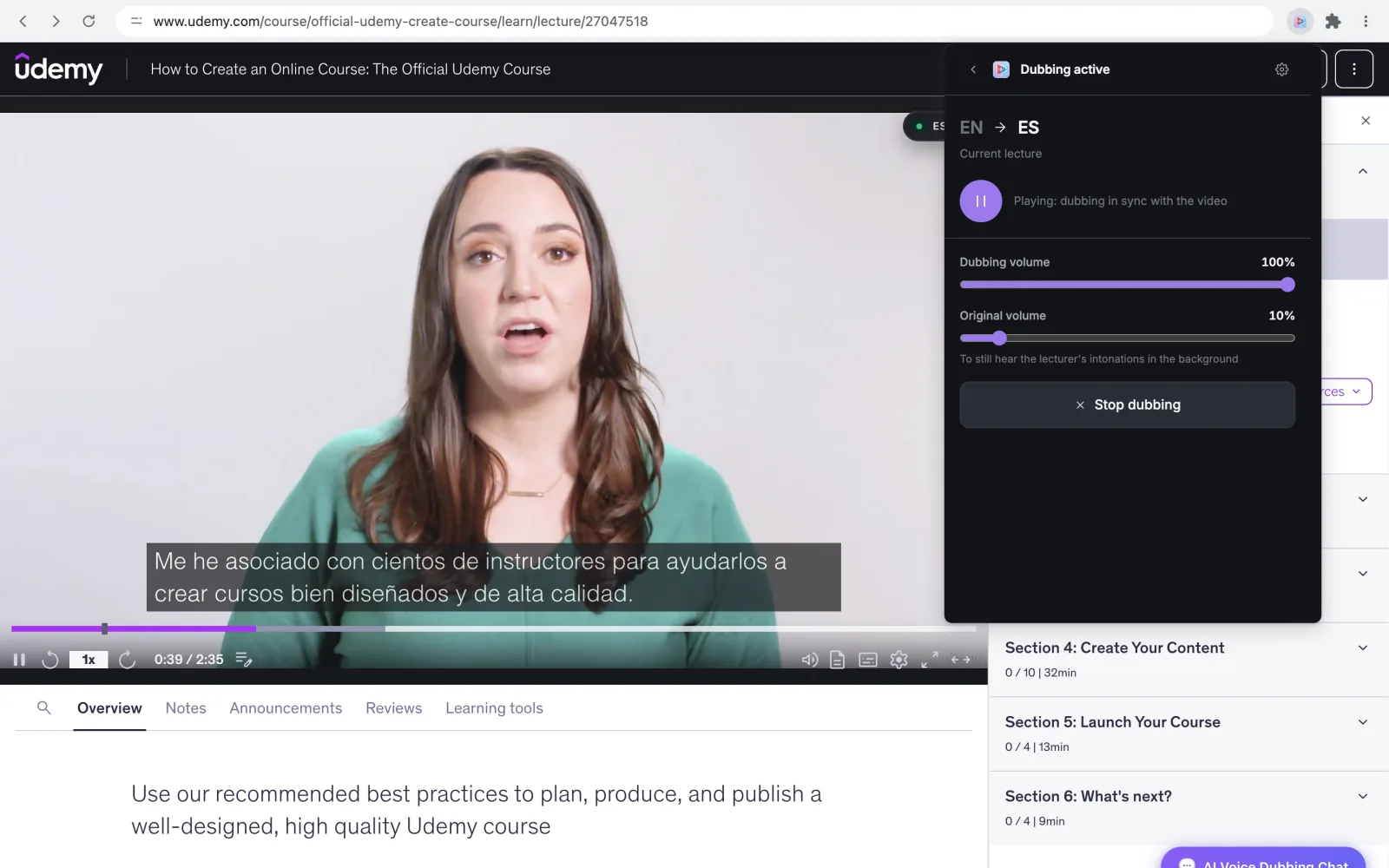
Coursera, Udemy and YouTube lectures dubbed into 50+ languages inside each platform’s own player. Free on-device speech without an API key; PRO adds cloud voices, real-time dubbing and a distinct voice for every speaker.

Manifest V3 · Piper speech on ONNX Runtime and WebGPU · speech recognition and speaker diarization · licensing backend

AI dubbing extensions, measured listing by listing.

User counts: Chrome Web Store developer dashboard; ratings: public listings — checked 20 Oct 2026. How the dubbing extensions work

Talking Photos

AvailableWeb appAndroid appAI on GPUs

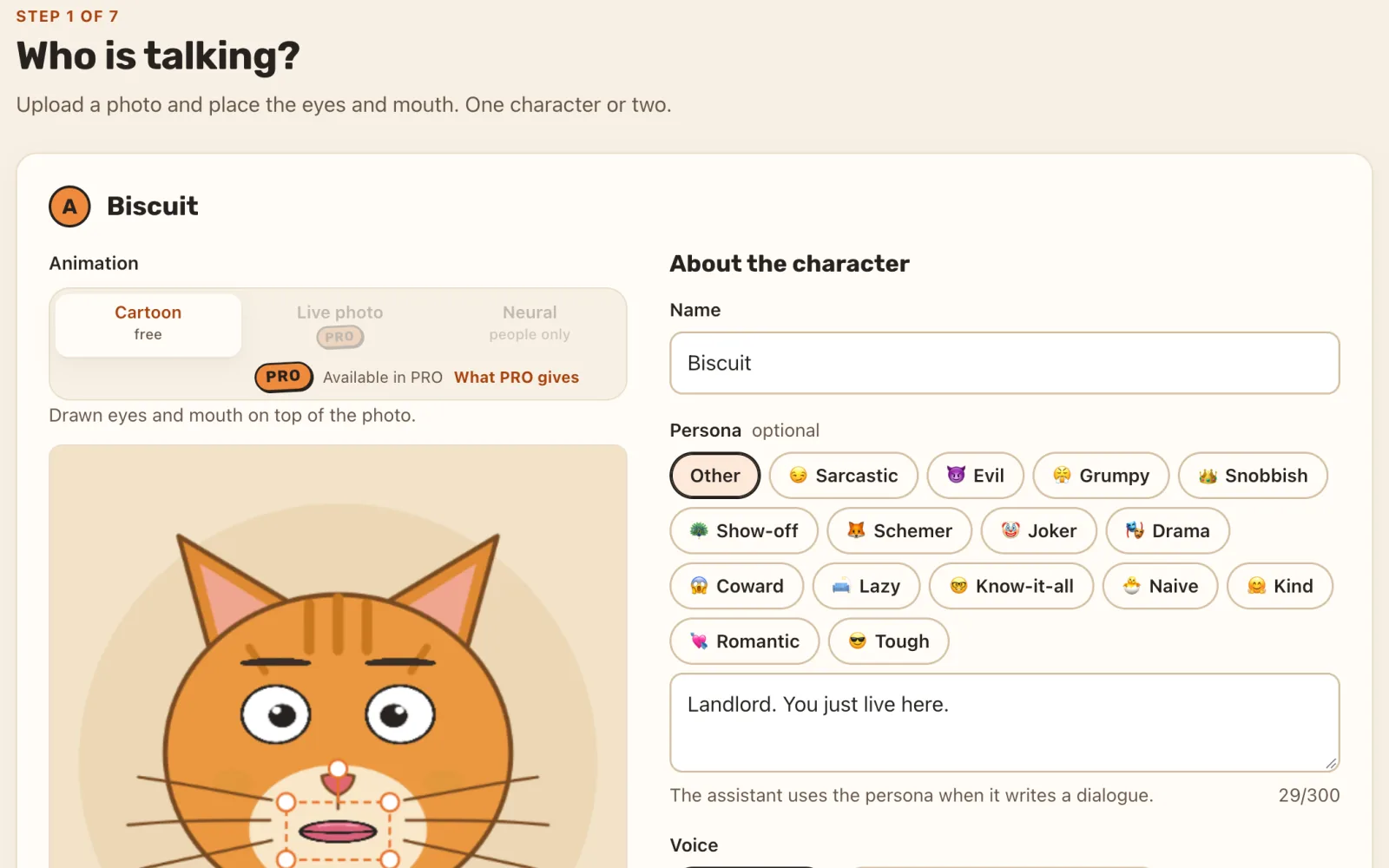
A photo of a pet, person or object becomes a voiced, lip-synced vertical video. Face models run in the browser, AI writes and voices the dialogue, and a talking-head model renders on serverless GPUs that scale to zero.

Rust · PostgreSQL · Next.js · Flutter · TensorRT on Vast.ai and RunPod · ONNX Runtime and WebGPU · C2PA content credentials

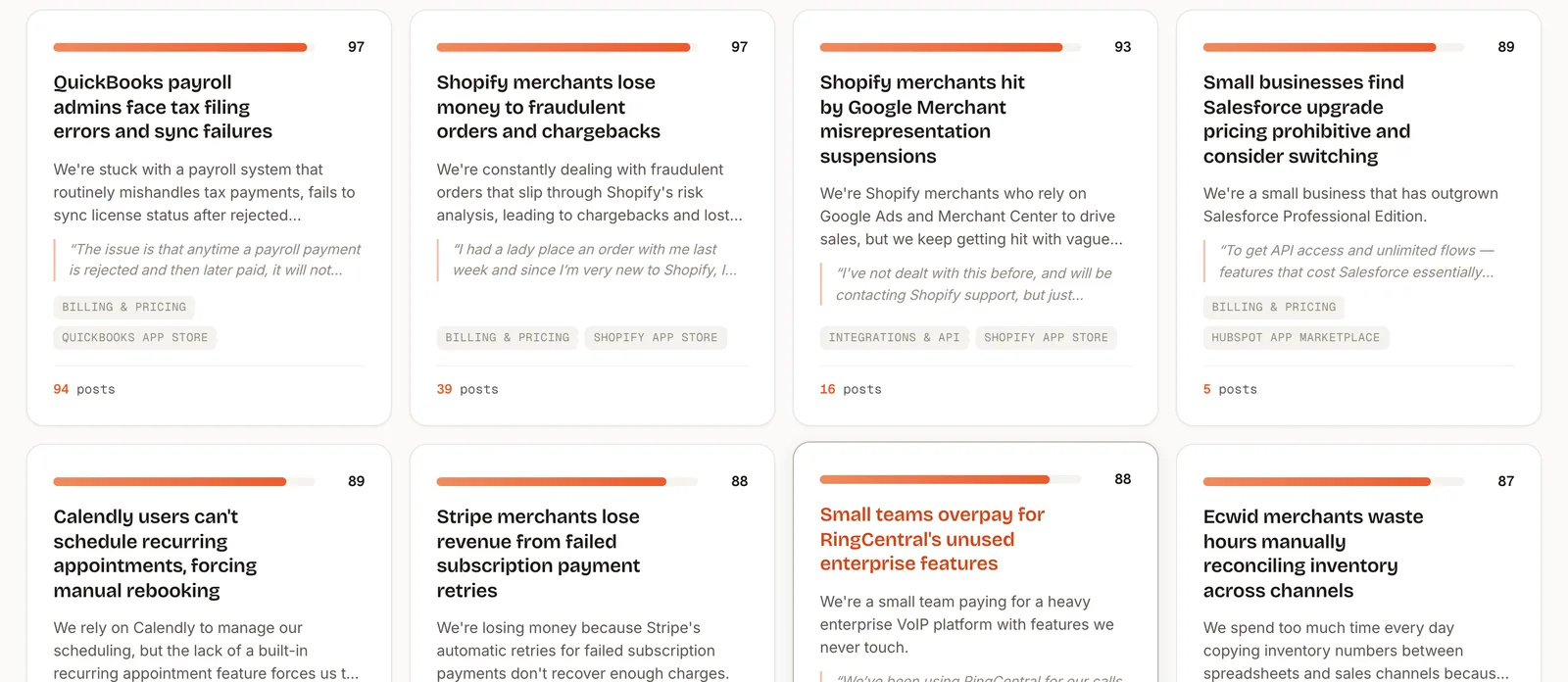
VettedGaps

AvailableWeb app

A research tool for indie developers: real user complaints matched against paid orders, search demand and existing competitors. Explore app and extension ideas, or check an idea you already have against evidence of demand.

Together

On Google PlayAndroid appLanding page

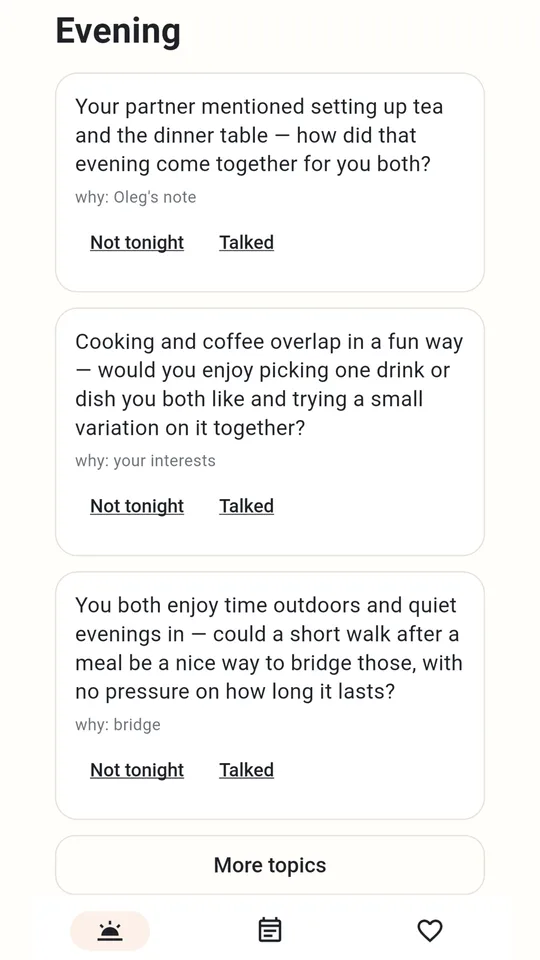
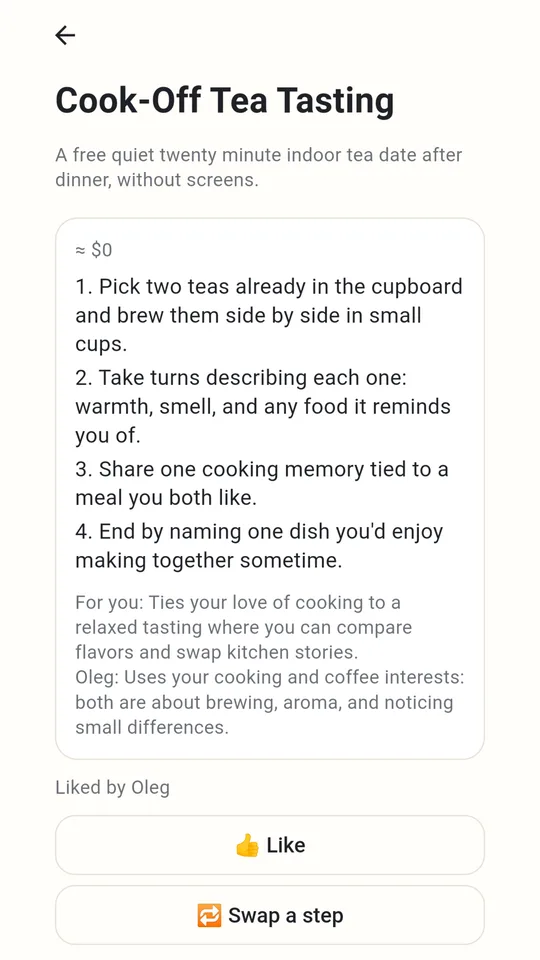
An app for couples: share small moments during the day, get three topics for the evening, plan time together and talk disagreements through with an AI coach. Flutter app, Rust backend, subscriptions checked on the server, and a landing page in 13 languages.

Flutter · Rust (Axum) · PostgreSQL · DeepSeek · Whisper · Google Play Billing

Palavra

On Google PlayAndroid appLanding page

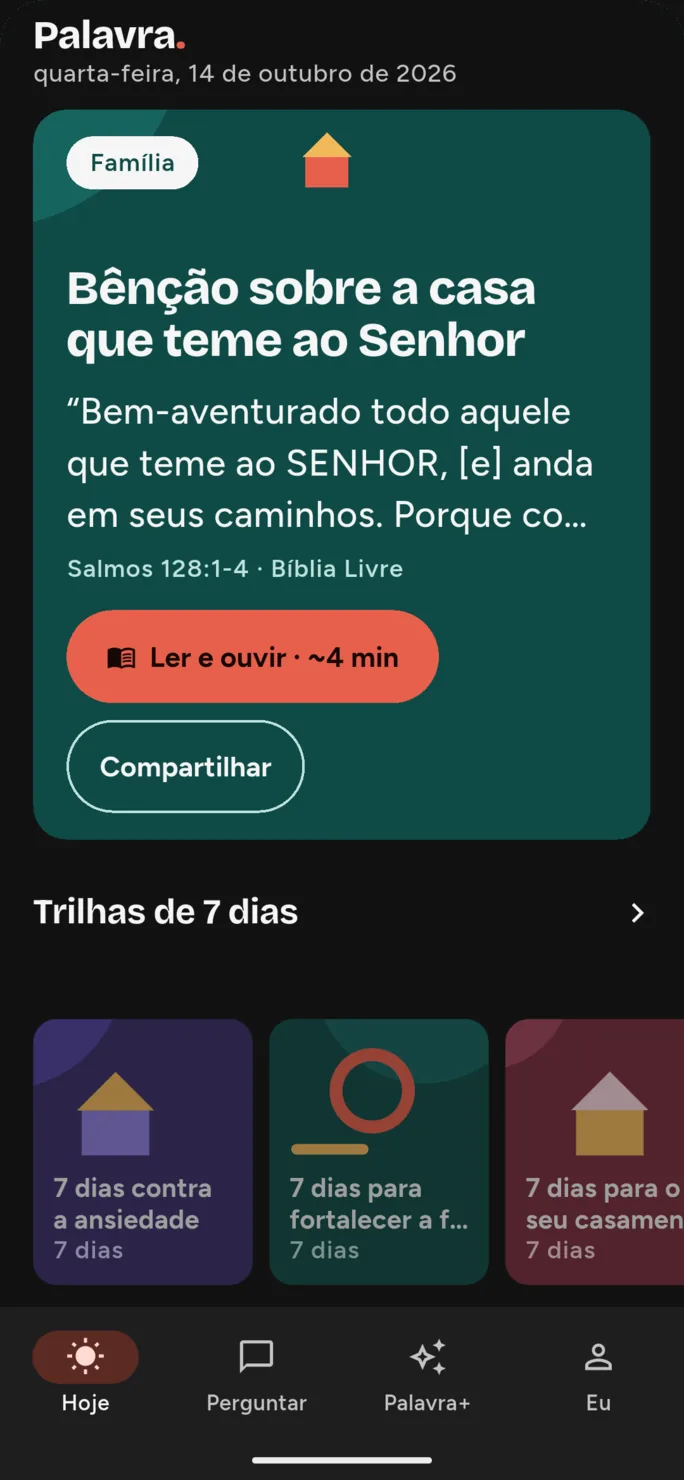
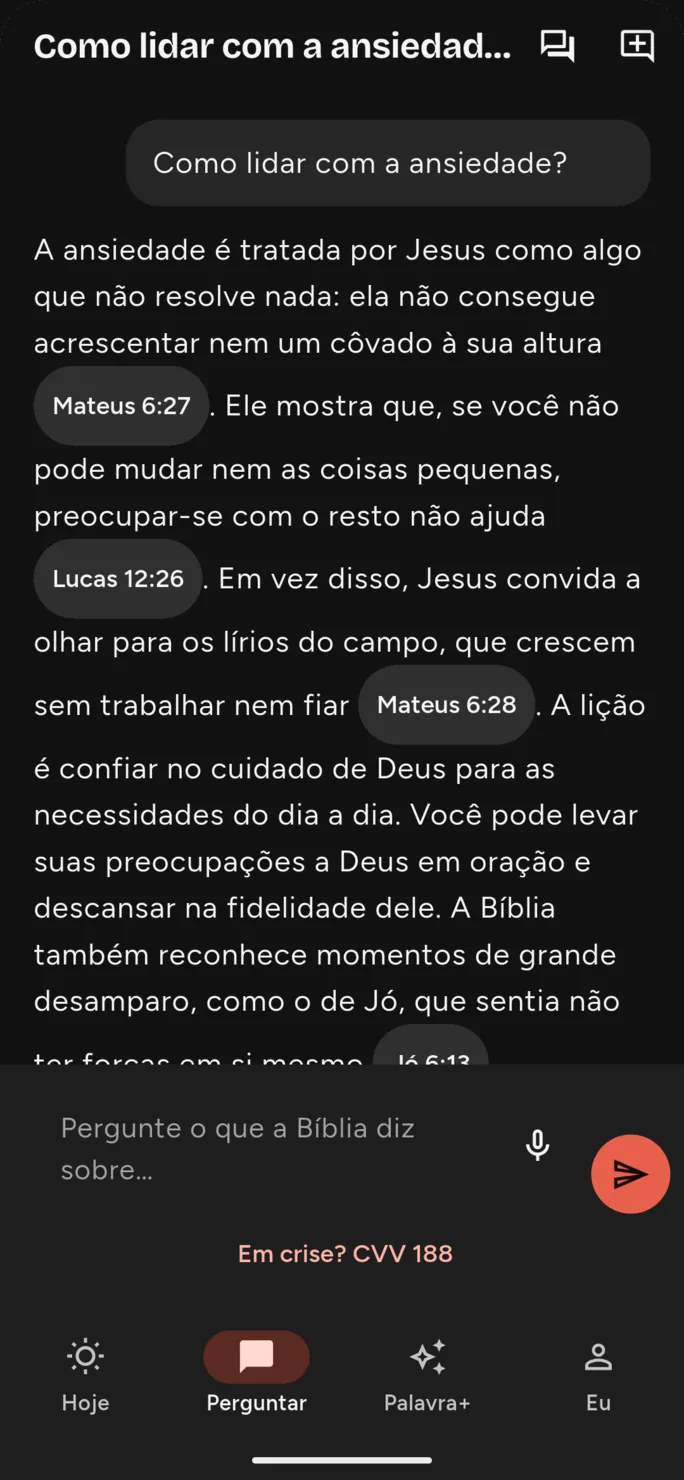
A daily devotional app for Brazil, in Portuguese: written for the reader’s church, read aloud by the phone, and answering faith questions only with Bible passages found by semantic search — so the AI cannot invent a verse.

Flutter · Rust · PostgreSQL with pgvector · local embeddings on ONNX Runtime · DeepSeek

Browser extensions

14 Chrome extensions that add a missing feature where people already work: AI dubbing in course players, downloads and PDF export, task capture and privacy tools.

Video Translator for Udemy

Chrome extension Available

Dubs Udemy lectures into 50+ languages with AI voice, played inside the course player.

YouTube AI Dubber

Chrome extension Available

Dubs YouTube videos into 50+ languages with AI voice, inside the YouTube player.

Universal AI Dubber

Chrome extension Available

Adds a “Dub” control to captioned videos on any supported site and plays a translated voice track over them.

Scribd Downloader

Chrome extension Available

Saves a publicly readable Scribd document as a PDF in one click, entirely in the browser.

Download from Telegram

Chrome extension Available

Adds a download panel to Telegram Web for saving videos, images, audio and stickers — one by one or in bulk.

All work by categoryAll browser extensionsBrowse all 20 products

From your first idea to a live service.

I can help turn an idea into a practical plan, design and build the software, connect the services it needs and get it online. That can include the domain, server setup, deployment, payments, bookings, email, SMS, analytics, advertising tracking, backups and monitoring.

I also help with software you already have: fixing errors, adding features, improving the interface or taking an unfinished project through to launch.

The exact work, third-party costs and any ongoing support are agreed for your project.

Oleg Hasjanov

Software developer · Tallinn, Estonia

You work directly with me.

Since 2021 I have worked at the Estonian Internet Foundation on the systems behind Estonia’s .ee domain: sign-in with Estonian digital identity, invoicing and online payments, and integrations with banking, accounting and e-invoicing services.

I also build and run my own products — a web service, browser extensions and workflow integrations. Shelf Compass is how I take on projects for other businesses: the person who scopes your project is the person who writes the code, launches it and answers your email.

The .ee work is employment, not Shelf Compass client work.

Questions before you write.

Is the demo really free?

Yes. For suitable projects — new builds, redesigns and larger features — the initial demo is free, even if you decide not to continue. I use the information you share to show the concept; you do not need to sign a contract or agree a price first. Further development, changes and the production launch are paid work, agreed separately.

What if the demo is not for me?

That is fine. There is no bill for the demo, no obligation to work together, and no need to explain your decision. I will not chase you to change your mind. Paid development starts only if you choose to continue and we agree the project, contract and advance payment.

How much does it cost?

It depends on the scope. For orientation, see the guide prices — the final price can be lower or higher and is fixed in writing before paid work starts.

How do payments work?

Development projects start with an agreed advance payment. The remaining amount is split across milestones with clear results. Work on an existing project has its own agreed price and payment arrangement.

Which platform should I use?

It depends on the job, the budget and how the project will be looked after once it is live. For a company website with a contact form, a proven platform is usually quicker to launch and easier to edit. For a specialised service with its own workflow, a custom build often fits better. If you already use a platform, I can usually work within it. Otherwise I will recommend an option and explain the trade-offs, including running costs, before we agree the project.

Can you work on a project someone else started?

Yes. Send me the current state of the project and what you want to change or finish. I will review it and explain the proposed work.

Do we need regular meetings?

No. Most collaboration happens by email. A video call can be arranged when a specific issue needs it.

Can you handle hosting, integrations and backups?

Yes. These can be included in the scope. We agree the setup, ongoing responsibilities and third-party costs before launch.

What do I receive at handover?

The code, access and documentation specified in our agreement. Domain, hosting and other account ownership are agreed before setup. If the project uses third-party software or services, their terms and fees are included in the discussion.

Can you maintain the project after launch?

Yes. For projects I build, the first three months after launch include fixing problems and small changes. After that, hosting, backups, updates, service checks, monitoring and small changes are available from €200 per month. Larger development tasks are paid by the hour — see the guide prices.
What would you like to build, improve or fix?

Tell me what you need. For new builds, redesigns and larger features, I make a free demo from the information you share. Try it, then decide whether to work together — no payment or contract for the demo. If you pass, no explanation is needed and I will not chase you. Smaller changes start with an estimate instead.