
Video Translator for Financial Edge Training
AI voice dubbing and a lecture assistant for Financial Edge Training courses, in 50+ languages, inside the course player.
Who it helps
Non-native English speakers studying finance courses — financial modeling, valuation, investment banking — on Financial Edge Training.
The problem it solves
The lectures are in English, and reading subtitles while following an on-screen model means missing the model.
What it does
- Generates a dubbed audio track from the course subtitles and plays it in sync with the lecture
- Free Google Translate translation, or AI translation with your own OpenRouter, OpenAI, Anthropic, Gemini, DeepSeek or DashScope key
- On-device neural voices (VITS/Piper on ONNX Runtime)
- Dubbed lectures are cached locally, so reopening one loads instantly
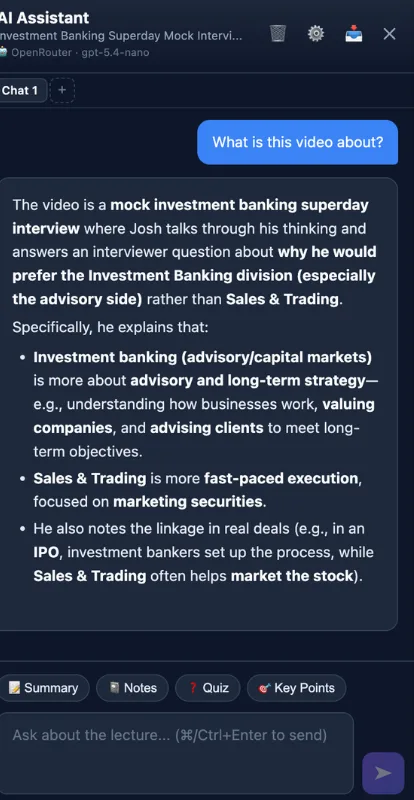
- AI assistant side panel to chat about the lecture, with summary, notes, quiz and key-point shortcuts
A platform-specific build of the Universal AI Dubber engine. Financial Edge is named to describe the integration; the extension is not affiliated with it.
Links and support
Originally published by My Little Indie Studio.
Product built by Oleg.