
Clip2Up for ClickUp
Turn a Gmail email or any web page into a ClickUp task in one click.
Who it helps
ClickUp users who triage email and web pages and want to turn them into ClickUp tasks without leaving the current tab.
The problem it solves
Capturing an email or a page as a ClickUp task means switching tabs, finding the right Space, Folder and List, and copy-pasting content.
What it does
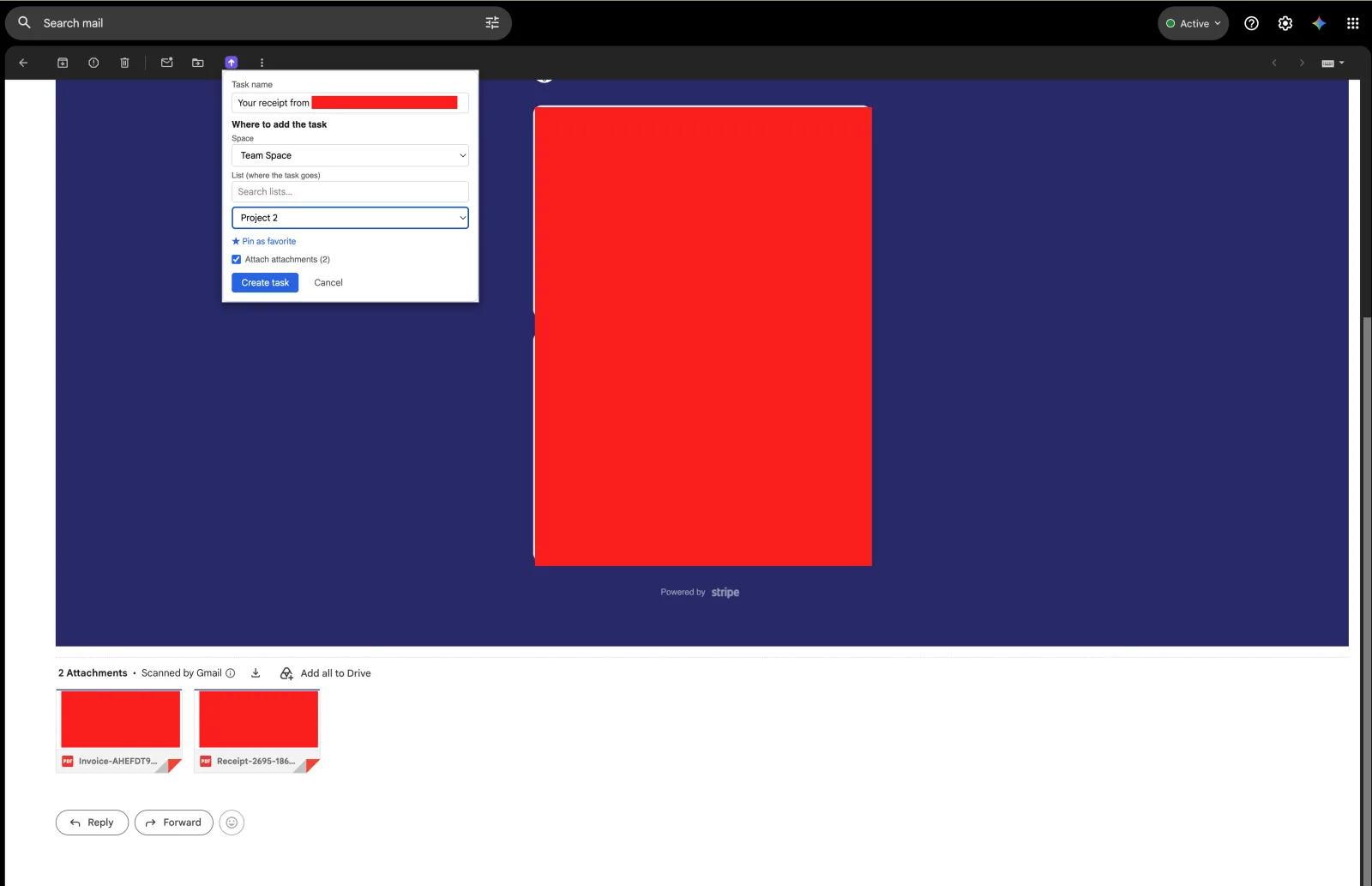
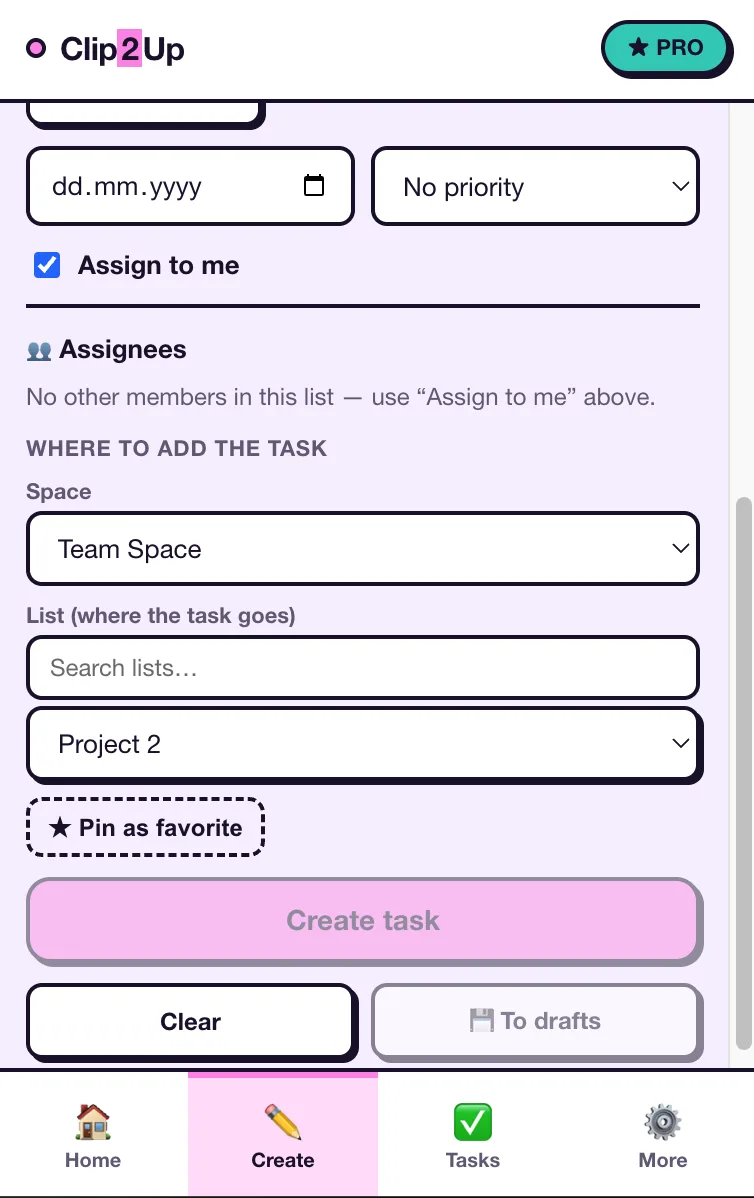
- Turns a Gmail email into a ClickUp task in one click, keeping subject, body and links, with Space/Folder/List and assignee pickers
- Quick capture of selected text or the whole page from any site, with the source URL attached
- Screenshot capture with annotation attached to the task (PRO)
- A linked-task badge in Gmail so processed emails are not duplicated (PRO)
- Task timer start/stop from the popup, logging time into ClickUp (PRO)
- My Tasks view in the popup; the free plan includes 15 email-to-task captures per month
Connects through ClickUp sign-in and talks to the ClickUp API with your own session; per the product's FAQ, email content is not sent to the developer's server. Listed on the Chrome Web Store as “Tasks, Screenshots & Time Tracking: ClickUp”.
More of the product
Links and support
Originally published by My Little Indie Studio.
Product built by Oleg.